2.2.7. IOS
2.2.7.1. On a jailbroken device
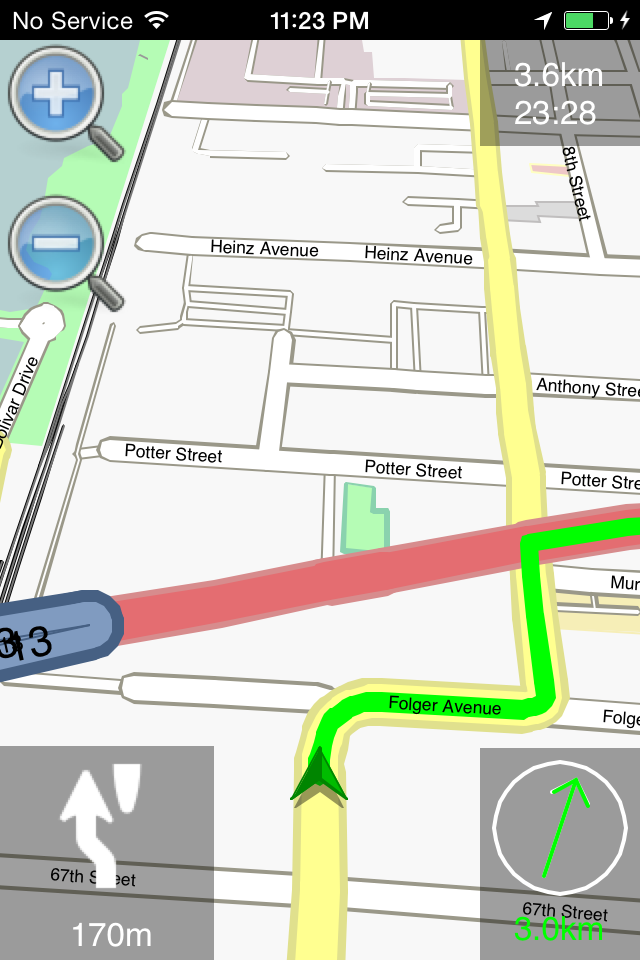
Iphone4-20160622.png
Download a .deb from download.navit-project.org/navit/iphone/svn/
copy the .deb via sftp to /var/root/Media/Cydia/AutoInstall/
reboot to install the .deb
copy a map to /var/mobile/Media/Maps
find your navit.xml file. Mine was in /private/var/stash/_.c3HQr7/Applications/Navit.app/share/navit/navit.xml
edit this file to fix the map path, which should be
Results on git revision f1045d4 (Jun 14, 2016) : What works:
vehicle position
map loading
routing works, tested using OSM maps
What does not work:
entering the search menu makes Navit crash. Probably a locale setting
entering fullscreen mode makes Navit crash
2.2.7.2. Home made packages on OSX
Prepare your build environment :
you will need the xocde command line : xcode-select –install
brew install cmake
brew install gettext
brew link –force gettext
You will also need a converter for the svg’s
cmake -G Xcode ../navit-trunk -DCMAKE_TOOLCHAIN_FILE=Toolchain/xcode-iphone.cmake -DUSE_PLUGINS=0 -DBUILD_MAPTOOL=0 -DSAMPLE_MAP=0 -DXSLTS=iphone
xcodebuild -configuration RelWithDebInfo (or import it into the xcode gui to proceed and have more configuration options)
Use the path to your sources for ../navit-trunk in the cmake command
revealing the following problems :
https://cmake.org/cmake/help/v3.1/policy/CMP0008.html (concerns libz.tbd)
on recent sdk’s wordexp.h is found but unusable, make it use the version from support
building and running it on sdk>=8 leads to ERROR: org.navitproject.navit is depending on legacy on-demand authorization, which is not supported for new apps
some workarounds were inserted in https://github.com/navit-gps/navit/tree/iOS_9.3_hacks
Configure with cmake and then import it in the xcode gui. Add -lz to other linker flags for the navit target as a workaround for the *.tbd issue Now you can select the iPhone4s or 5 simulator as target device and build it, you can also sideload it to a 4s or 5 connected physical device and no jailbreaking required. Installing maps is supposed to be possible with iTunes.
If you try to build it for an arm64 device, all the implicit declarations become errors. They are all related to the code in support/glib, but when each of them is fixed the build also works for arm64. Testing on 4s and 5 iPhoneSimulator iOS 9.3 revealed search, routing and navigation to be working. This can probably be built for and used down to iOS 8.0 because no sdk tests were added to the workarounds for lower SDK’s. No signing certificate is needed to sideload it onto a physically connected device. Supposedly maps can be installed with iTunes.
2.2.7.3. Old content kept below for reference until we fix the build
2.2.7.3.1. Screenshots and Videos
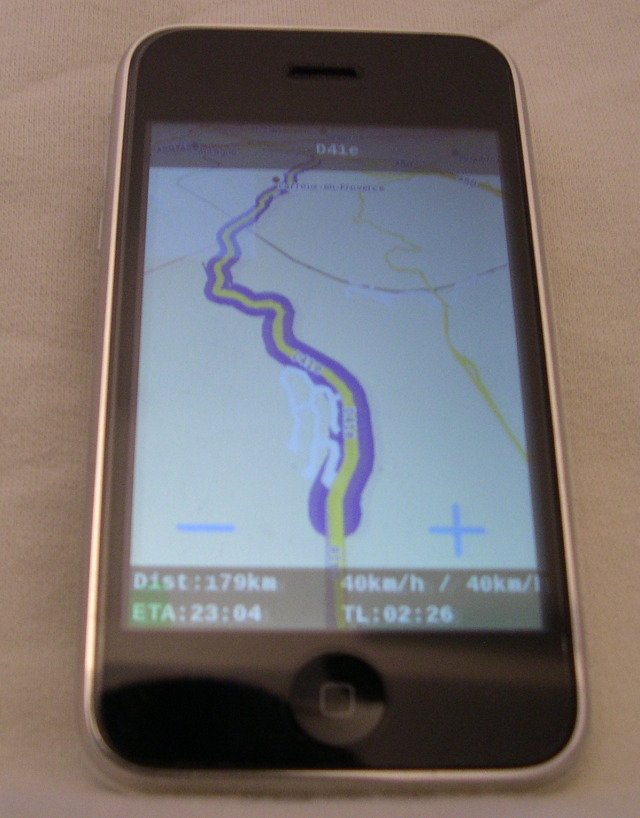
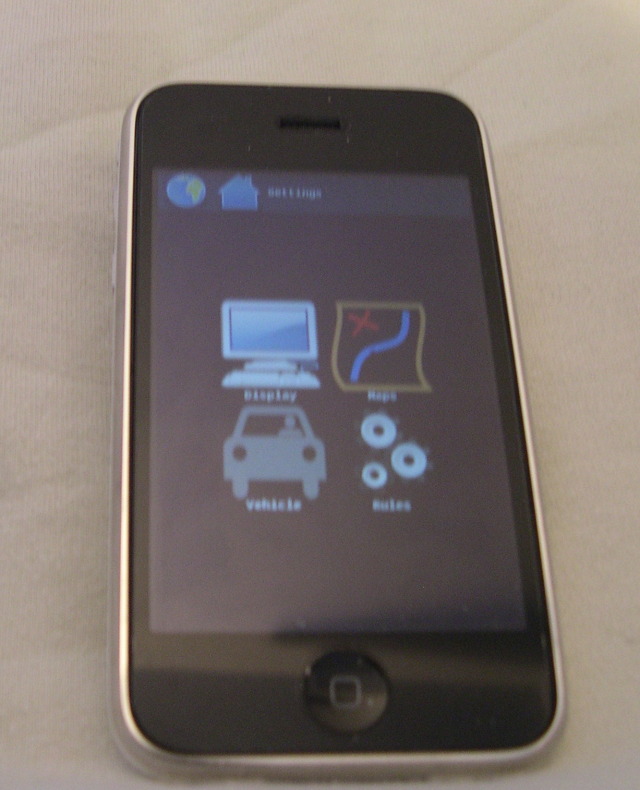
2.2.7.3.2. Status
2.2.7.3.2.1. What works
Routing
GPS updates
OSM maps
Speech
Track logs
Landscape/Portrait mode
2.2.7.3.2.2. What does not
speech (play failure since 3.0)
2.2.7.3.2.3. What was not tested
Garmin maps (Last binary includes Garmin driver but not tested …)
Others maps
2.2.7.3.3. Concerning Opentoolchain
2.2.7.3.3.1. Cydia packages
Temporarily, Packages are available through this below repository:
``main````````(r2307)``: ``\ ```http://download.navit-project.org/navit/iphone/cydia/ <http://download.navit-project.org/navit/iphone/cydia/>`__`` ``
From Cydia go to Manage > Sources > Edit > Add and add one of the above URL there. Then Search->”navit”, install it .
By default, navit is expecting OSM maps:
/var/mobile/Media/Maps/eu.binor/var/mobile/Media/Maps/planet.binFor example, you can either use:
iphone terminal and wget:
iphone$ cd /var/mobile/Mediaiphone$ mkdir Mapsiphone$ cd Mapsiphone$ wget ``\ ```http://maps.navit-project.org/planet.bin <http://maps.navit-project.org/planet.bin>`__Or
openssh
PC$ wget ``\ ```http://maps.navit-project.org/planet.bin <http://maps.navit-project.org/planet.bin>`__PC$ scp planet.bin root@xxx.xxx.xxx.xxx:/var/mobile/Media/Maps/planet.binxxx.xxx.xxx.xxx is the ip of your iphone.
enjoy having your free GPS on your iPhone.
2.2.7.3.3.2. Home made packages
I assume that your cross-compiler is ready and that you are able to generate telesphoreo packages.
svn co ``\ ```http://svn.telesphoreo.org/trunk <http://svn.telesphoreo.org/trunk>`__`` ``export PATH=$PATH:$WHEREIS_YOUR_TOOLCHAIN/toolchain/pre/binexport PKG_BASE=~/WHEREIS_TELESPHOREO/trunkexport PKG_ARCH=iphoneos-armexport PKG_CONFIG_LIBDIR=~/2.2.7.3.3.2.1. Libraries
First you will need to compile below libraries:
FreeType
FontConfig
SDL
SDL_image
Png
ImageMagick
Jpeg6b (optional)
Tiff (optional)
Png, tiff, Imagemagick are already available on telesphoreo which is the APT-based distribution of Unix software for modern smartphones started by Jay Freeman (saurik). So you can download it from Cydia. For others, you will find all necessary telesphoreo patches on below ticket: 3
`` patch -p0 < sdl_ft_fc_jpg_new_packages_telesphoreo.diff``
Then we can deal with Navit code.
2.2.7.3.4. Config
OSM map files are expected as below:
/var/mobile/Media/Maps/eu.bin/var/mobile/Media/Maps/planet.binA new navit.xml can be copied into /var/mobile/.navit/
2.2.7.3.4.1. Video
Frame and bpp options have been added
2.2.7.3.4.2. Speech
Get festival library + Erica utilities on Cydia. Then change your speech configuration in “/var/mobile/.navit/navit.xml” to
`` ``
2.2.7.3.5. Test feedback
OSM: Routing is very slow (long distance is a nightmare for user :() (Almost fixed with CACHE_SIZE define)