Gui internal
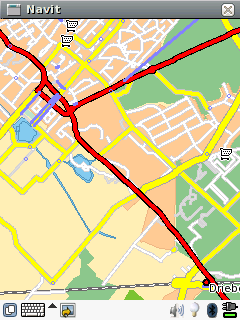
gui internal
Configuration
Ok, first replace
`` type=”gtk” ``
with
`` type=”internal” ``
`` keyboard=”false”``
inside the <gui …/> tag.
The internal gui has a feature to call a browser on OSM nodes. To use it, place a shellscript called navit-browser.sh into your PATH.
The shellscript should contain a call to the browser that is meant to be executed, similar to this
Menu
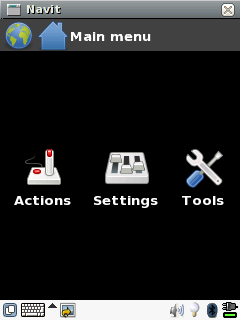 The menu has these items:
Actions
Settings
Tools
Actions
Under Actions we find: 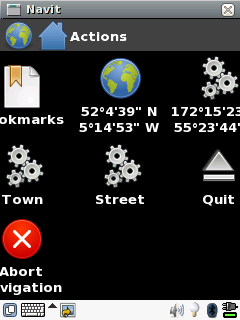
Bookmarks
Position where the map was clicked
Position of the vehicle
Town
Street
Quit
Abort navigation
Settings
Under Settings we find: 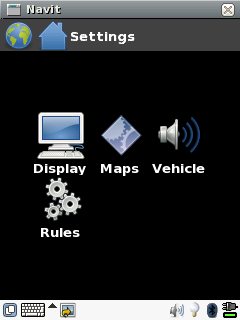
Display
Maps
Vehicle
Rules
Tools
Under Tools we find:
nothing
Display
Under Display we find:
Layout
Window mode
Maps
Under Maps we find:
Textfile
Binfile
Route
Route_graph
Navigation
Vehicle
Under Vehicle we find:
User vehicle(s)
Rules
Under Rules we find:
Stick to roads
Keep orientation to the north
Map follows vehicle
Attack defenseless civilians
On Screen Display
When you have the internal gui working, a next step could be to look at the On Screen Display, or OSD for short. Using the OSD you can overlay the map with various items for status information and control.