2.2.3. OpenPandora
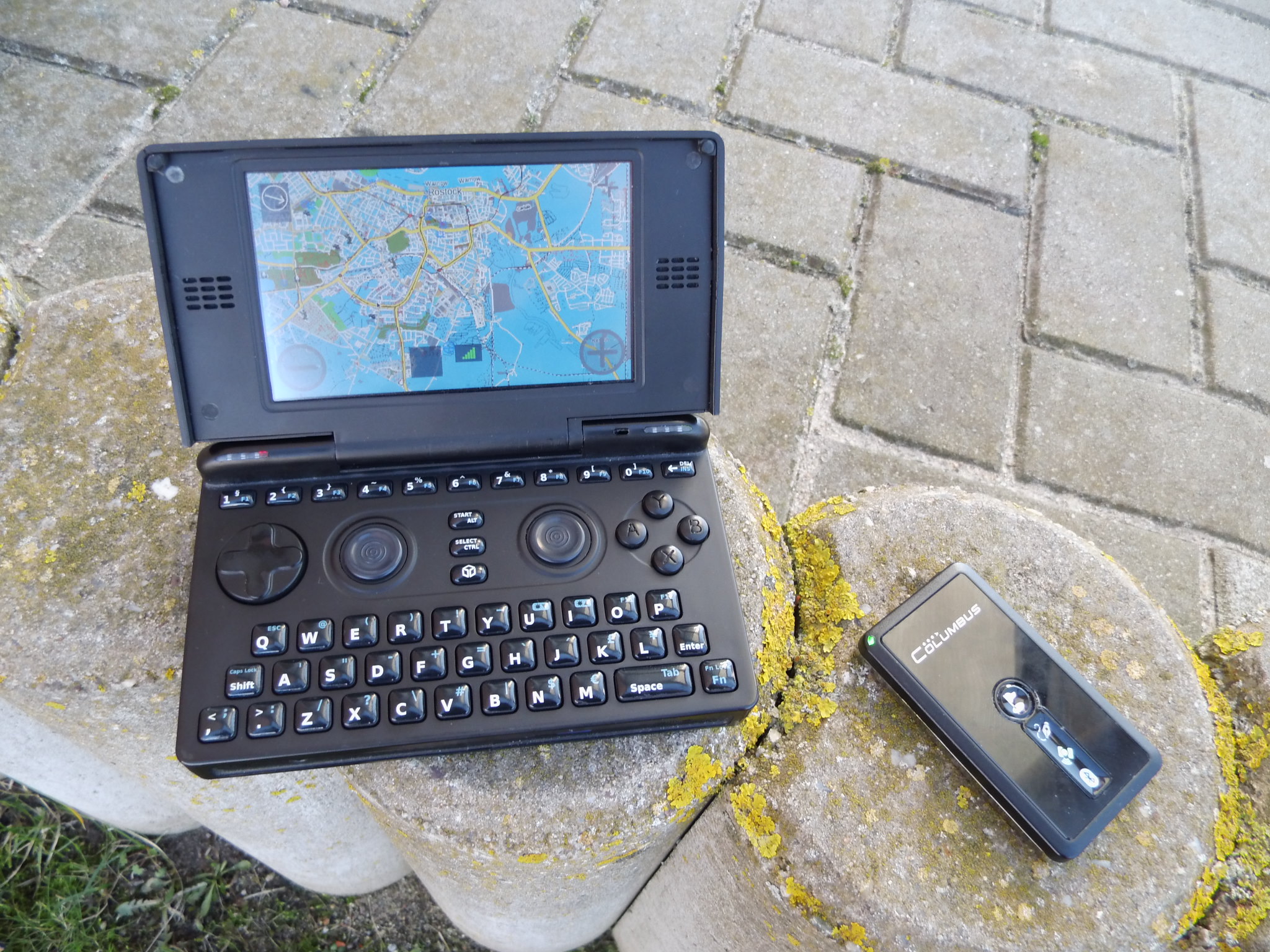
OpenPandora with external GPS
2.2.3.1. (Super)Zaxxon
get the .PND and place it on your SD card e.g. /mnt/mmc2/pandora/menu/
get a default navit.xml and place it at /mnt/mmc2/pandora/appdata/navit/navit.xml
download Maps and put the .bin file at /mnt/mmc2/pandora/appdata/navit/maps/test.bin
get espeak:
sudo opkg install http://www.angstrom-distribution.org/feeds/unstable/ipk/glibc/armv7a/base/libportaudio2_v19+svnr1387-r0.6_armv7a.ipk
sudo opkg install http://www.angstrom-distribution.org/feeds/unstable/ipk/glibc/armv7a/base/espeak_1.37-r0.5_armv7a.ipk
and test it:
espeak 'This is just a short test.'
2.2.3.1.1. Connect GPS
Bluetooth:
Power up your GPS device,
enable bluetooth at the
Pandora Manager and open a
terminal and execute:
hcitool scan
Mark and copy your BTaddr and paste it in the following lines sudo hcitool cc AA:BB:CC:DD:EE:FF
sudo rfcomm connect rfcomm0 AA:BB:CC:DD:EE:FF
This should work fine and the
GPS should show an established
BT link.
Now test your virtual
connection:
cat /dev/rfcomm0
This should show up scrolling lines with GP* prefix |
USB:
Connect you USB GPS and open a
terminal and execute:
This should contain a line
announcing a new USB device
and that it is attached to a
virtual serial port as
/dev/ttyUSB0 or /dev/ttyACM0
Now test your virtual
connection in a new terminal:
|
2.2.3.1.2. Adapt configuration
Open the navit.xml file
search for <config …> and add within language=”de_DE” with your appropriated language Code (e.g. en_GB)
<config xmlns:xi="http://www.w3.org/2001/XInclude" language="de_DE">
search for “binfile” and replace
<mapset enabled="yes">
    <map type="binfile" enabled="yes" data="$NAVIT_SHAREDIR/maps/*.bin"/>
</mapset>
search for “gpsd” and replace:
rfcomm0 for attached Bluetooth GPS
ttyS0 for attached USB GPS
<vehicle name="Local GPS" profilename="car" enabled="yes" active="1" source="file://dev/rfcomm0">
search for “speech” and adapt
<speech type="cmdline" data="espeak -v german '%s'" cps="15" />
2.2.3.2. Todo
OSD for cassual users (#1 routing, #2 map browsing, …)
Make use of pandora buttons
Skin like minimenu